
A room that works around you.
AI Furniture
Placement
Plan where your furniture should go with AI. Upload a photo, add or rearrange furniture, and explore different layouts to find an arrangement that works for your space.
Try AI Furniture Placement- Upload your room
- Describe the change
- Compare layouts

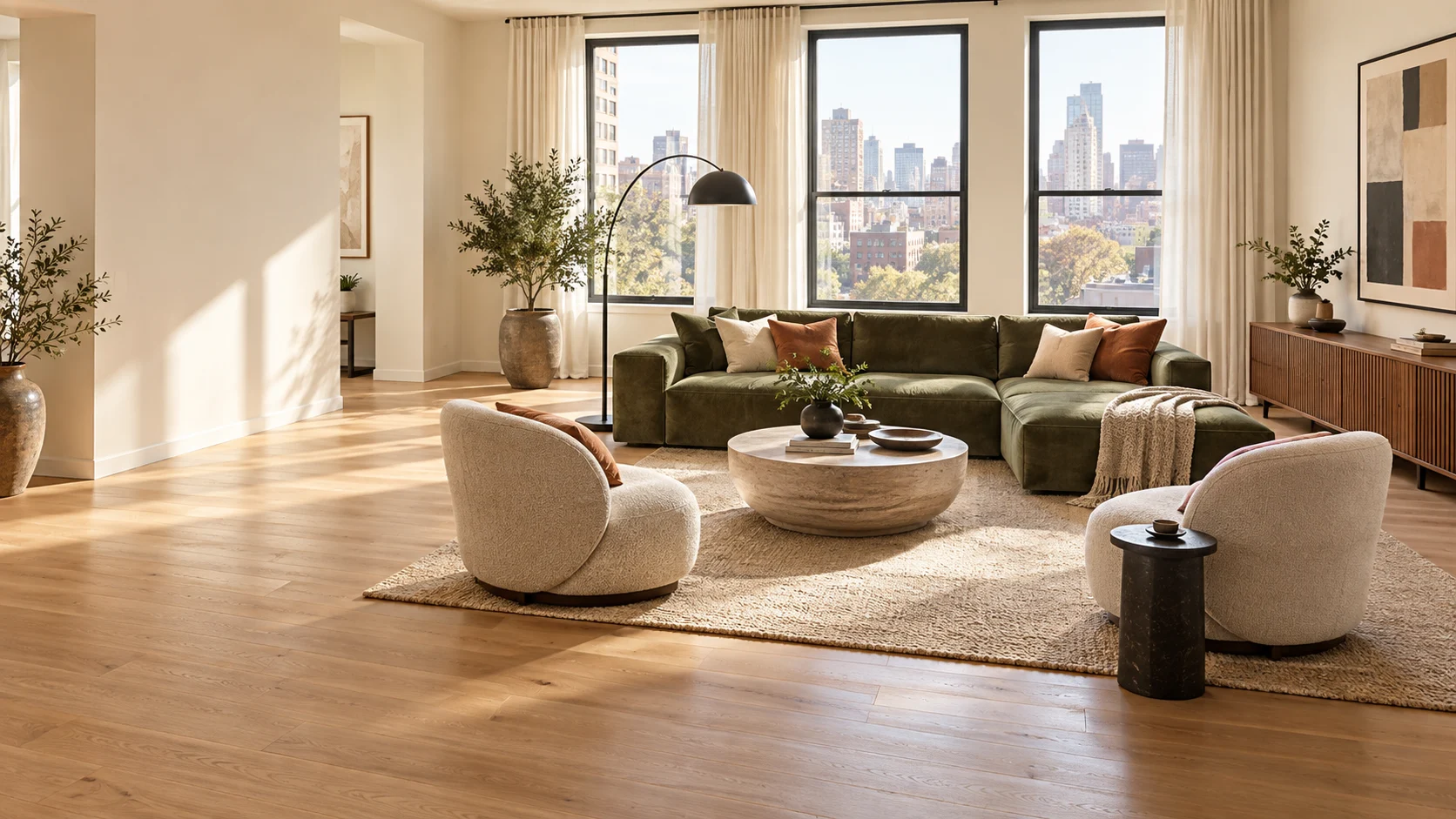
FIND YOUR FLOW
Find the Best Furniture Layout for Your Room
Not sure where to put your sofa, bed, table, or other furniture? Use AI to explore different furniture arrangements without moving anything in real life.
See how different placements affect the available space, room flow, and overall look before deciding on your layout.
Arrange Your Furniture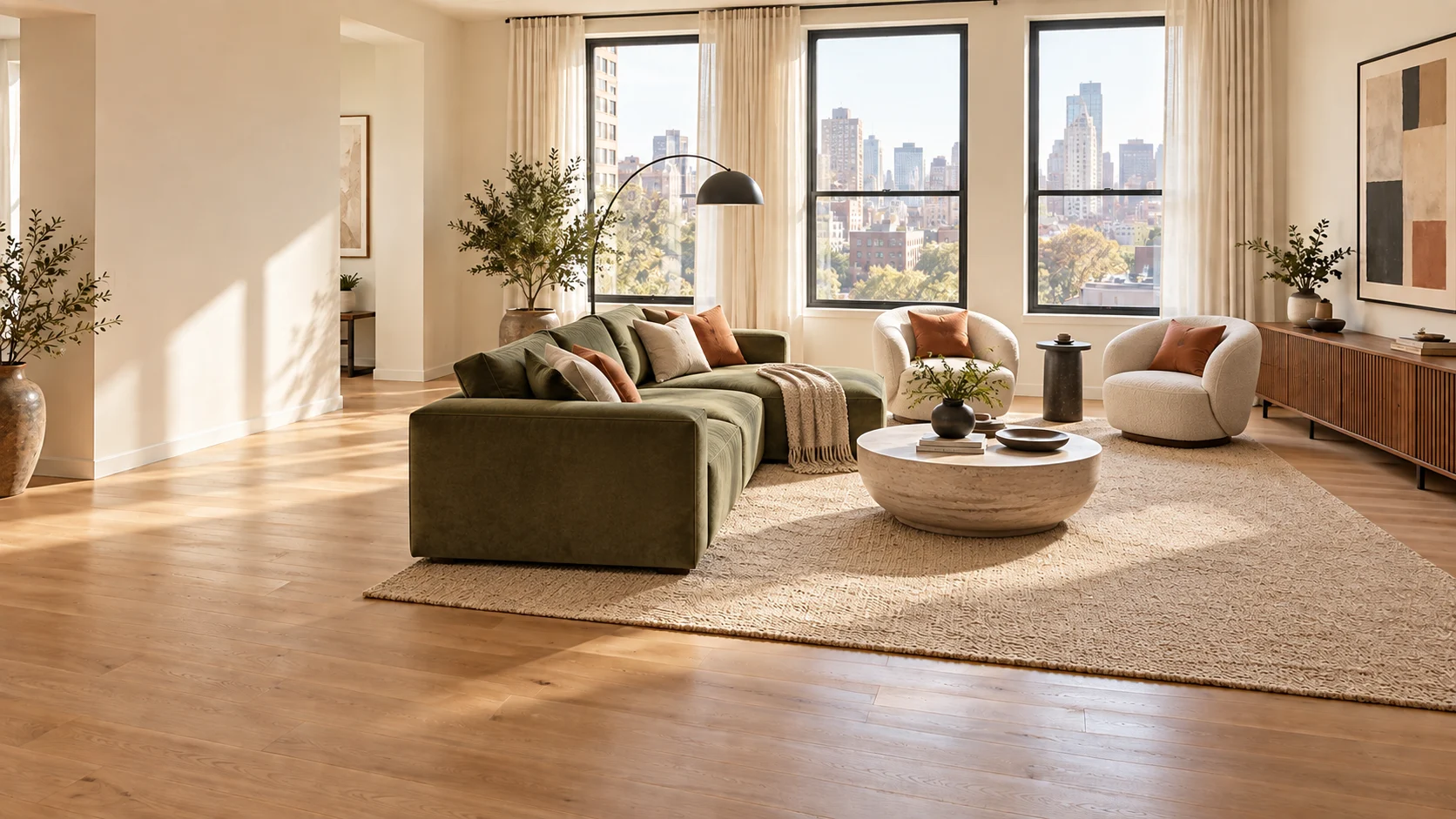
HOW IT WORKS
How to Arrange Furniture with AI
Three simple steps from a room photo to a layout you can actually live with.
Try It NowUpload Your Room
Add a photo of the room you want to furnish or rearrange.
Describe What You Want
Tell AI what furniture you want to add, move, replace, or rearrange. Name individual pieces or describe the layout you want.
Generate Your New Layout
Create a visualization of your updated room and try different arrangements until you find one you like.
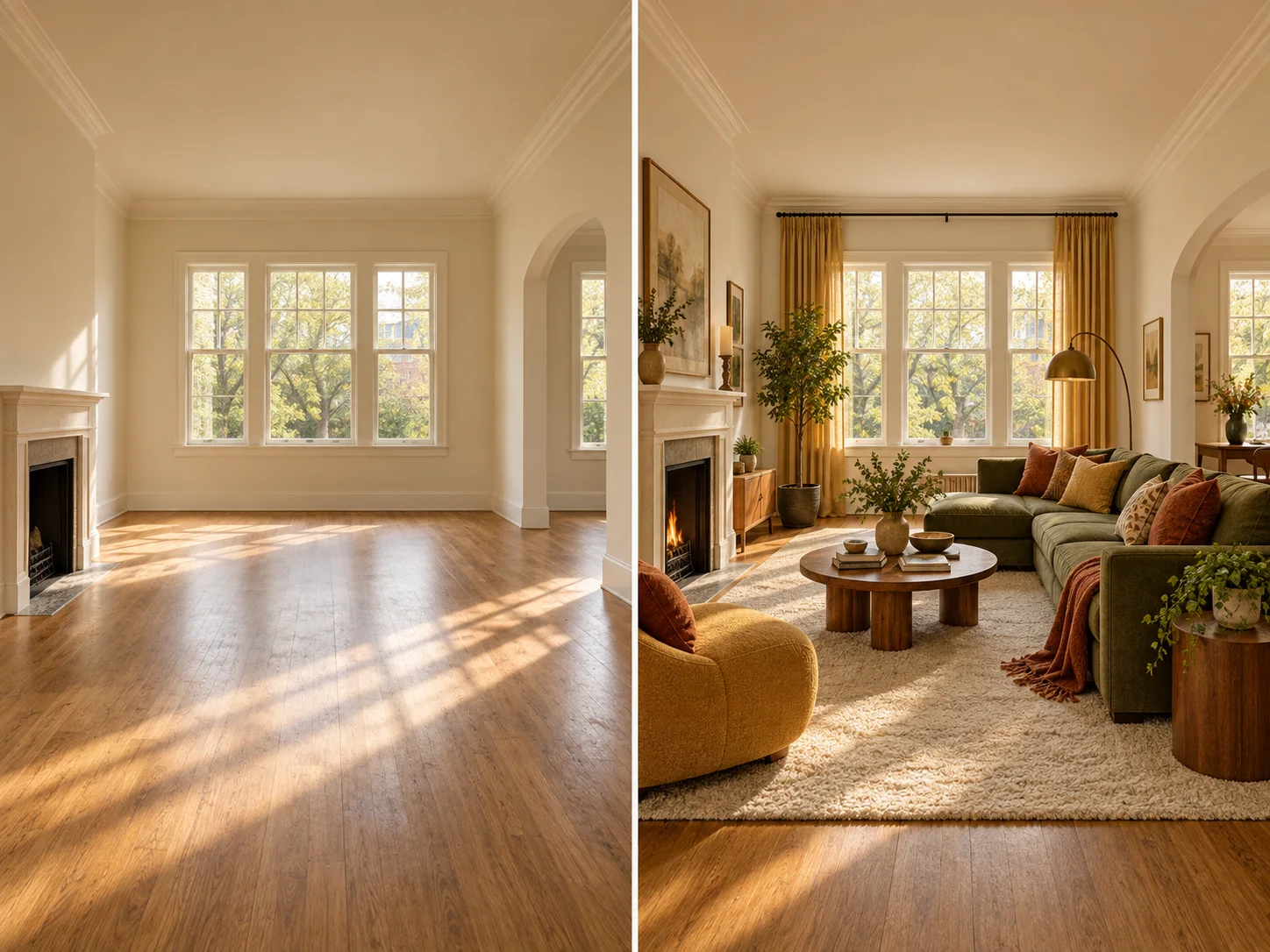
START FROM EMPTY
Add Furniture to an Empty Room
Start with an empty or unfurnished room and use AI to visualize different furniture arrangements. Add sofas, beds, tables, chairs, storage, décor, and other pieces to see how the room could look when furnished.
WORK WITH WHAT YOU HAVE
Rearrange Your Existing Furniture
Explore a new layout without physically moving your furniture. Upload your current room and test different placements to find another way to organize the space.
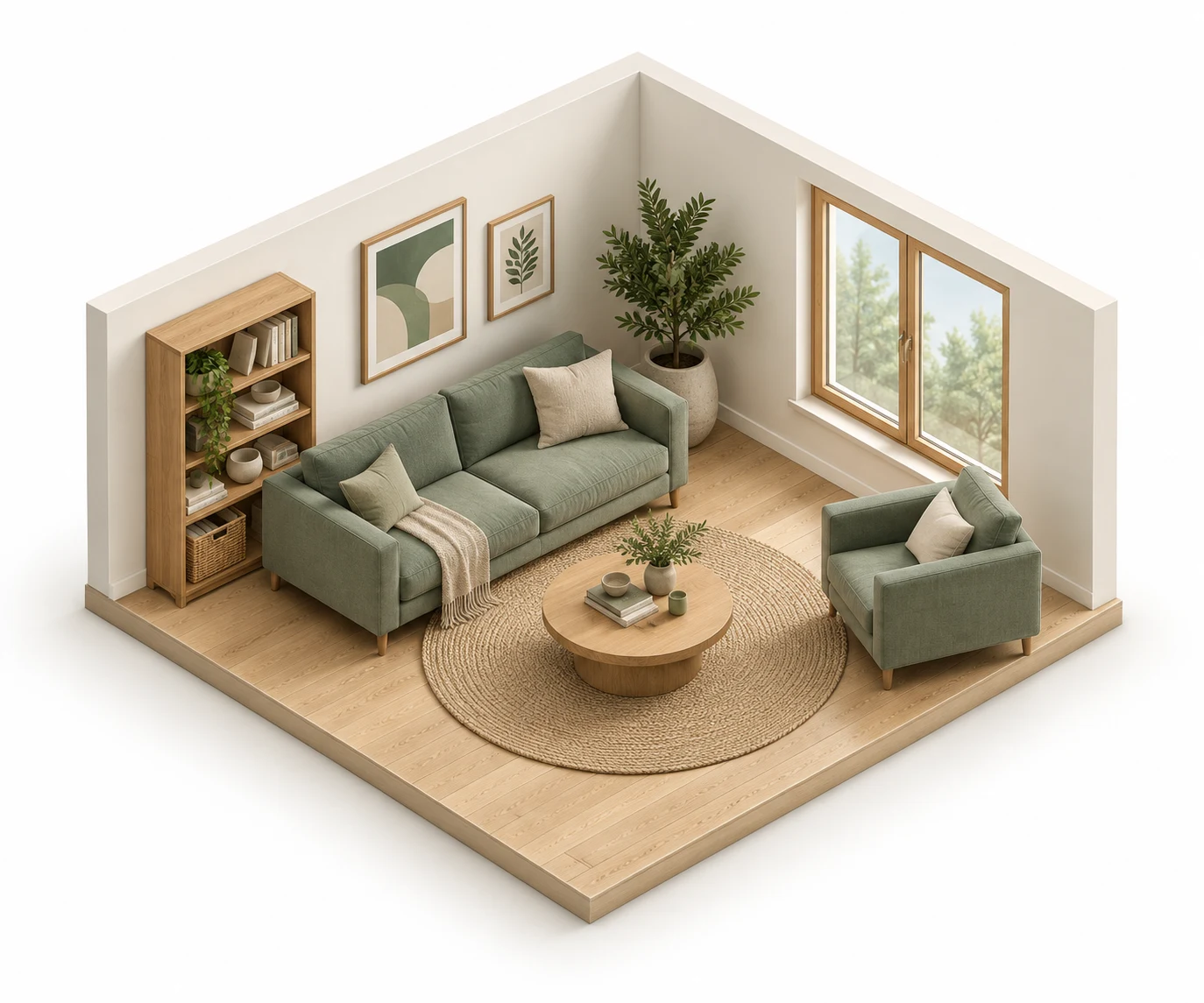
COMPARE OPTIONS
Try Different Furniture
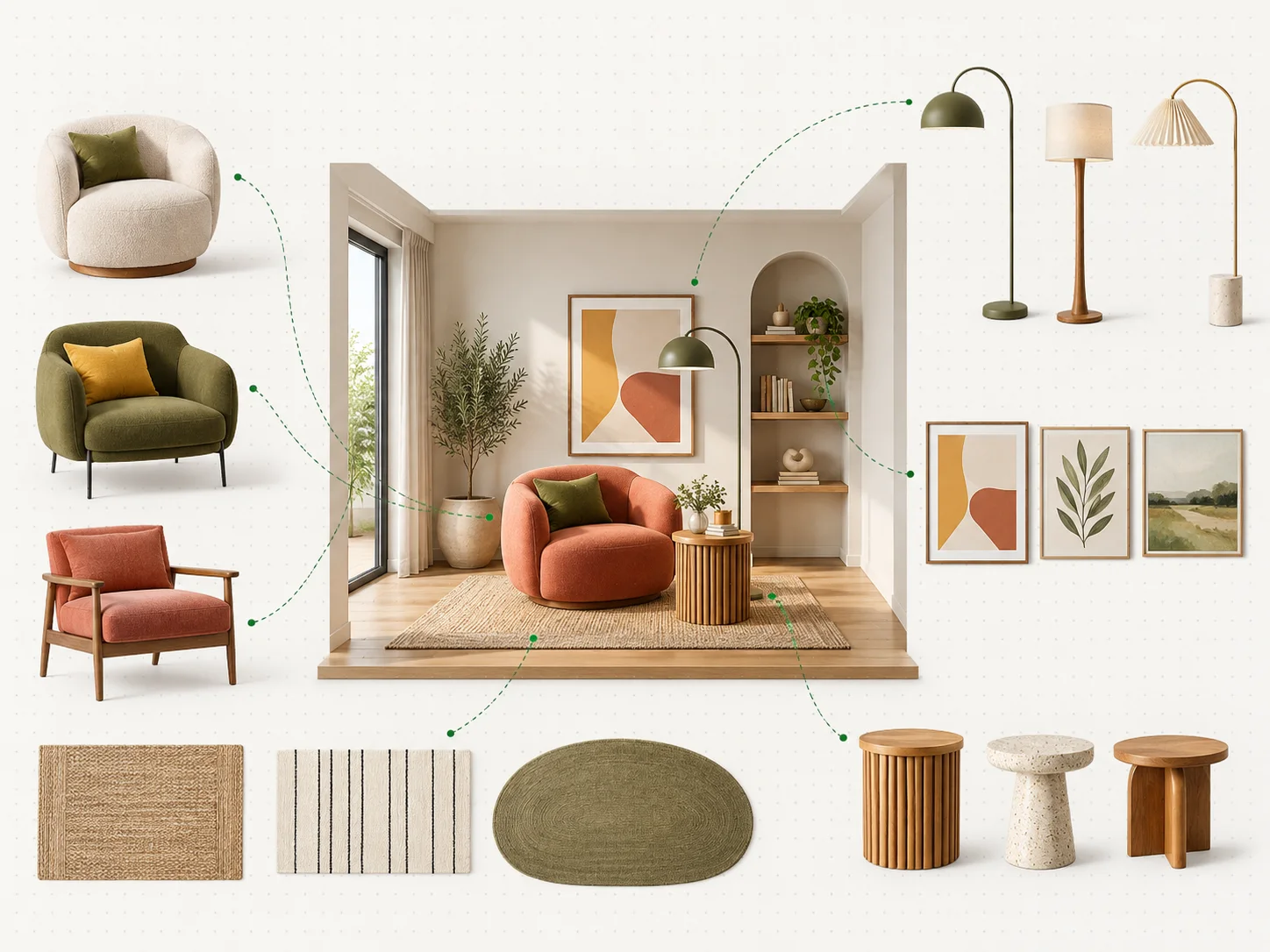
See how your room could look with a different sofa, dining table, bed, chair, or other piece of furniture. Compare alternatives before changing your existing setup or buying something new.
ROOM BY ROOM
Plan Furniture for Different Rooms
- Living rooms
- Bedrooms
- Dining rooms
- Home offices
- Studio apartments
- Guest rooms
- Other indoor spaces
KEEP DESIGNING
Go Beyond Furniture Placement with AI Studio
Continue working on your room in Planner 5D AI Studio. Explore interior design ideas, change colors and materials, create mood boards, generate color palettes, and turn your design into realistic interior visuals.
Open AI StudioFAQ
Questions,
answered.
Can AI help me arrange furniture?+
AI can generate visual examples of different furniture arrangements based on your room and instructions, making it easier to explore possible layouts before moving furniture.
Can I upload a photo of my room and add furniture?+
Yes. Upload a room image and describe the furniture you want to add or change to generate a new visualization.
Can AI furnish an empty room?+
Sure. Use an image of an empty room and generate furnished versions to explore different furniture, styles, and arrangements.
Can I use AI to rearrange my existing furniture?+
Yes. Generate alternative arrangements for the furniture already in your room and compare different ways of organizing the space.
Can I try different furniture styles?+
Yes. Describe the furniture or interior style you want to explore and generate different versions of the room.