
A room. A few ideas. A brighter home.
AI Room
Decorator
Give your room a new look with AI. Upload a photo, describe the atmosphere or style you want, and explore decorating ideas using new colors, furniture, lighting, rugs and more.
Decorate Your Room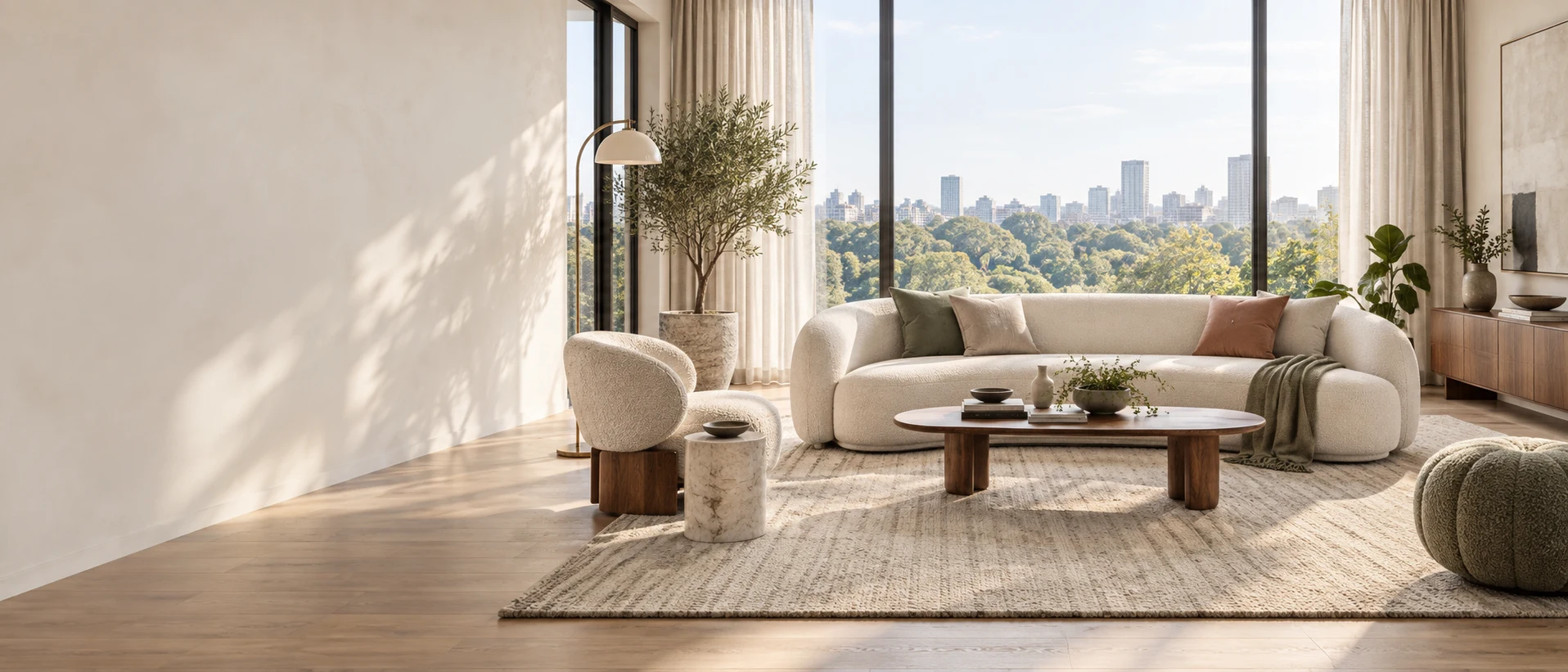
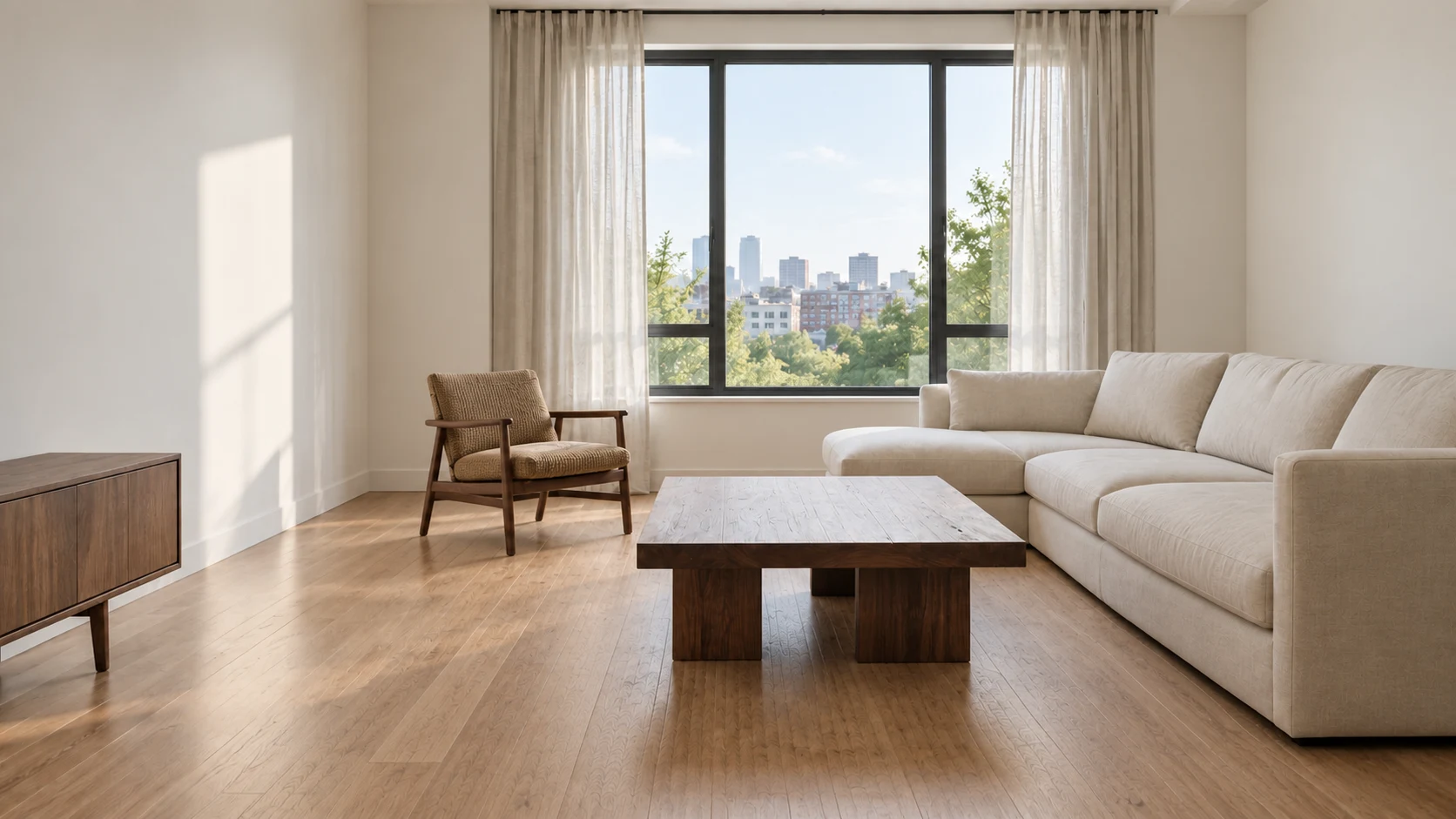
Same room.
New possibilities.
01
Find a Look
That Feels Right
You don’t need a complete redesign to transform a room. Sometimes a different rug, warmer lighting, a new wall color, or a few well-placed accessories are enough.
Try a few looks →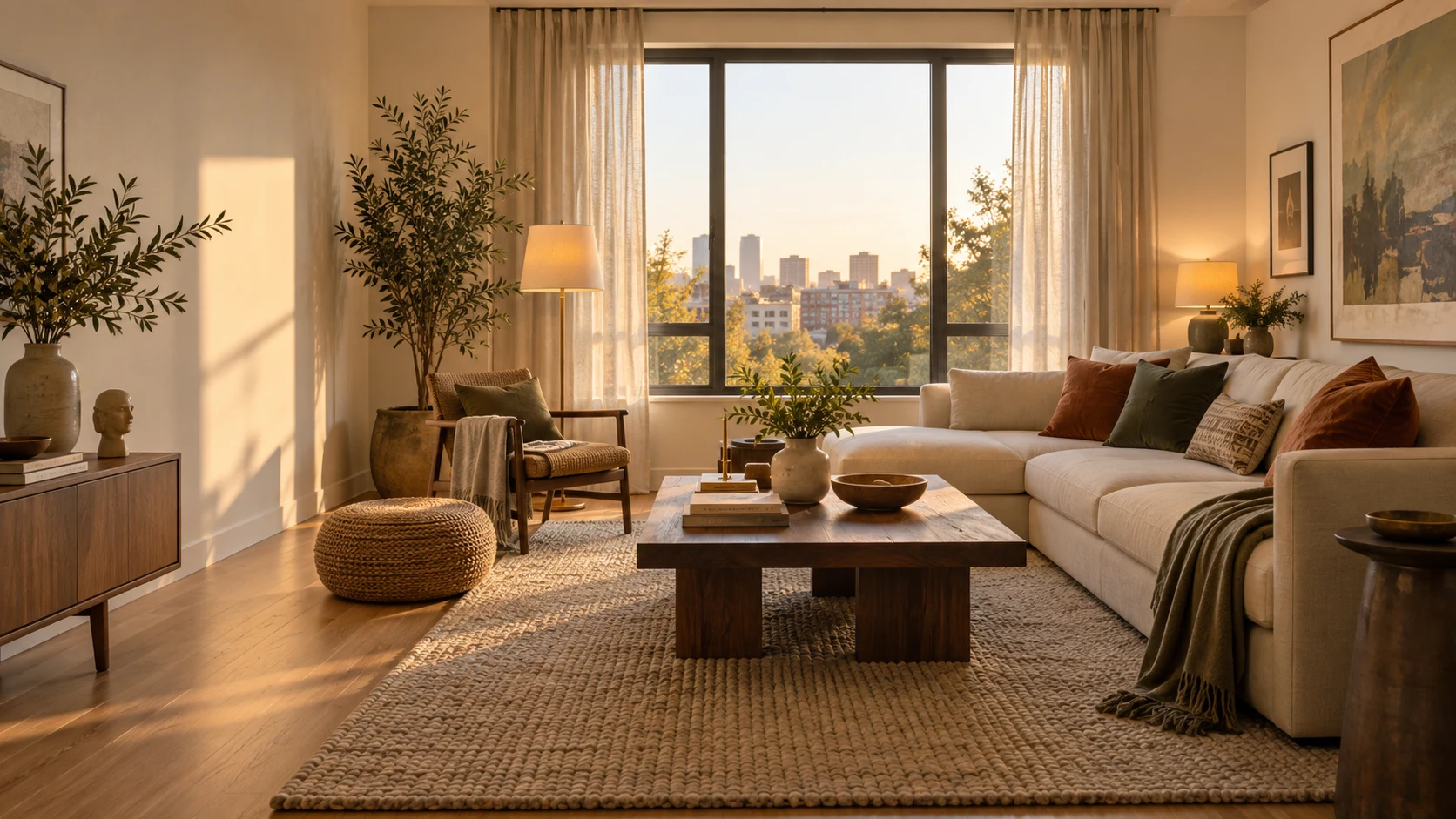
02 How it works
Decorate Your Room
with AI in 3 Steps
Upload a photo, tell us what you have in mind, and get beautiful, personalized results in seconds.
Decorate Your Room →- 01
Show Us Your Space
Upload a photo of the room you want to update. Furnished, partially decorated, or empty rooms all work.
- 02
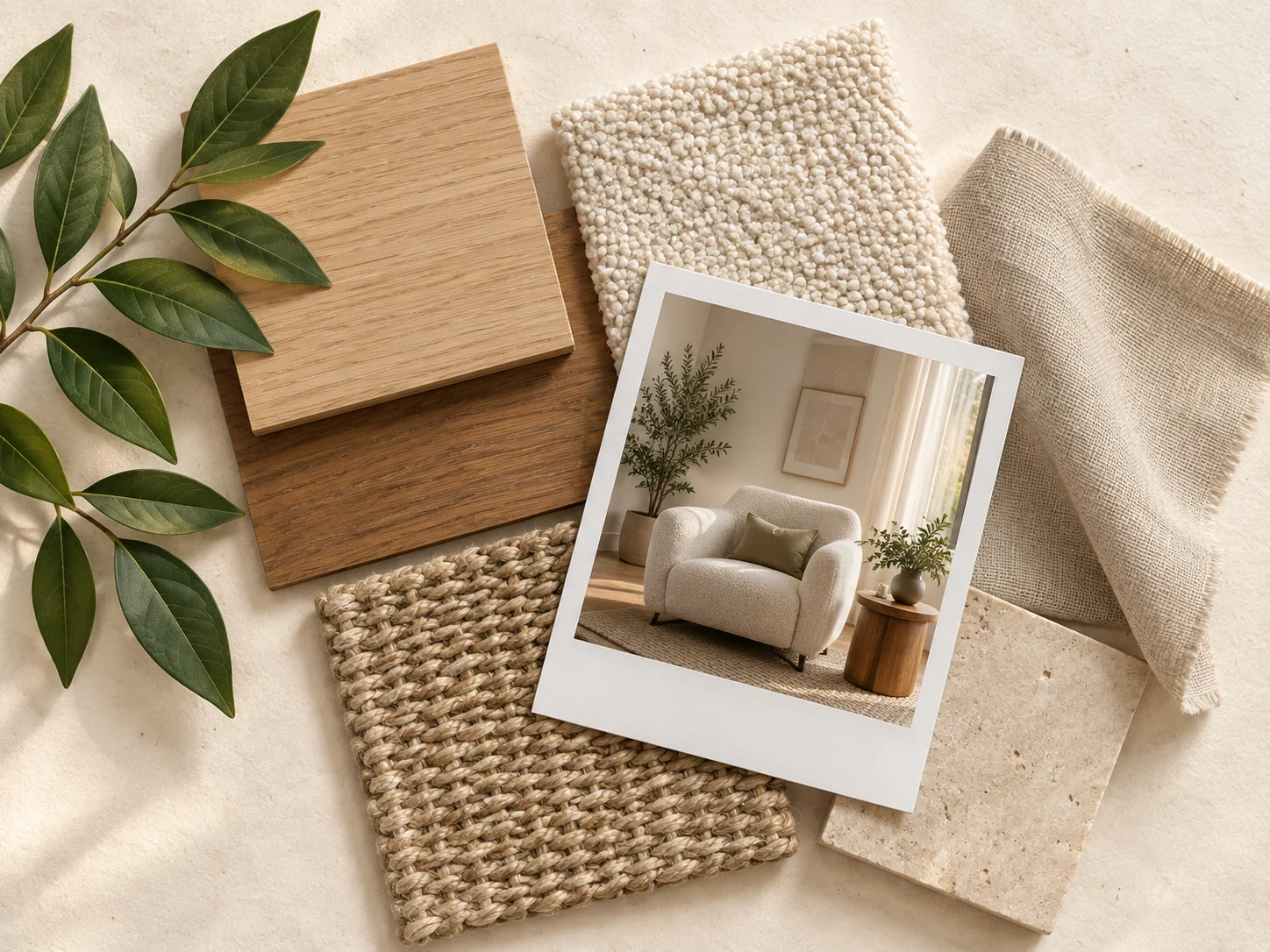
Tell AI What You Have in Mind
Be as broad or specific as you want. Ask for a warmer look, new colors, softer lighting, or help with styling.
- 03
Explore the Result
Generate your decorated room, adjust your instructions, and compare different ideas.
Small changes.
A whole new feel.
03
Refresh Your Room
Without Redesigning
Everything
Keep the elements you already like and focus on what you want to improve.
Try a new rug, curtains, artwork, lighting, plants, cushions, and wall colors while keeping your existing sofa and furniture. This makes it easier to explore small changes in a realistic way.
04
Explore a
Completely
Different Style
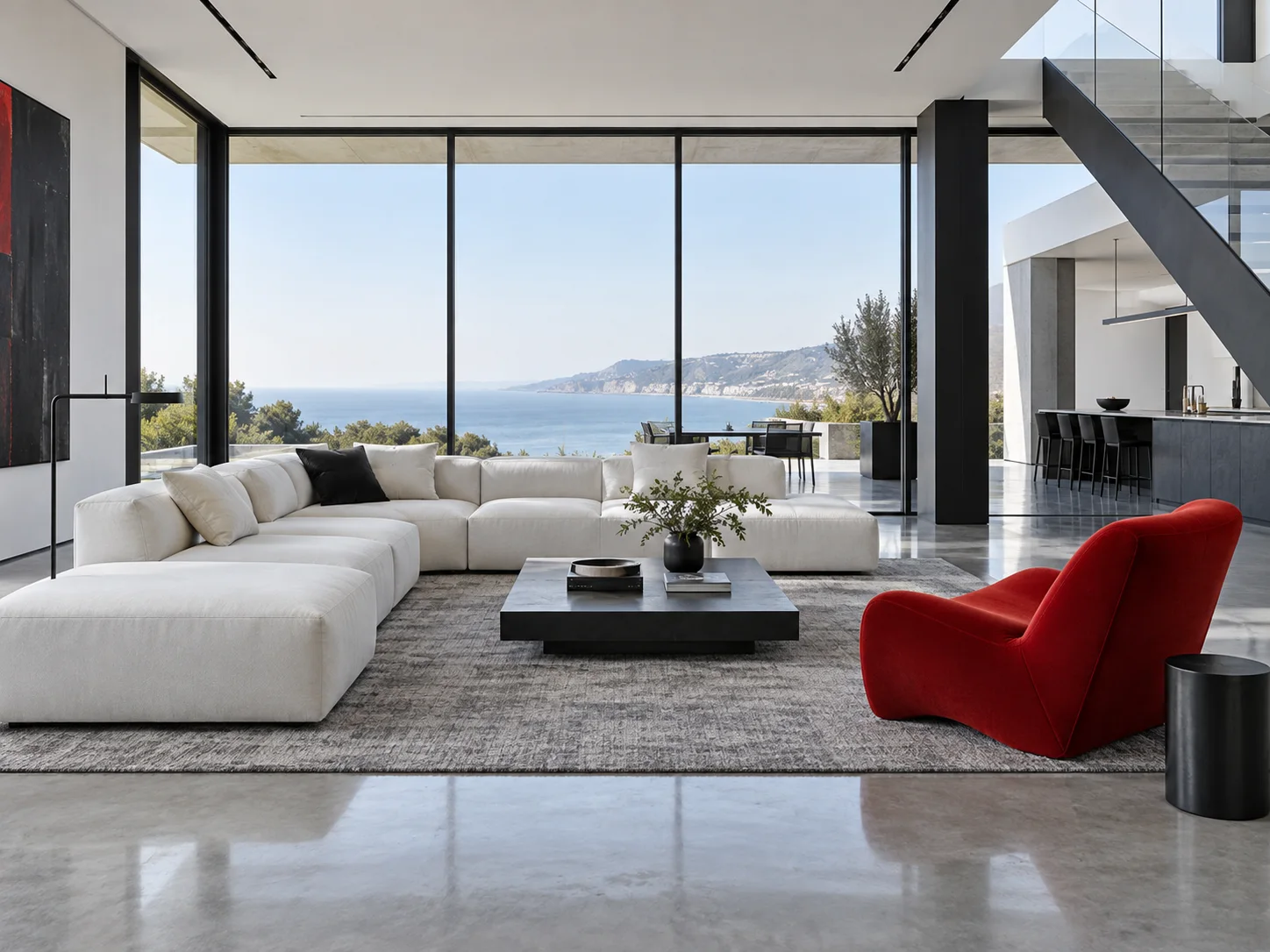
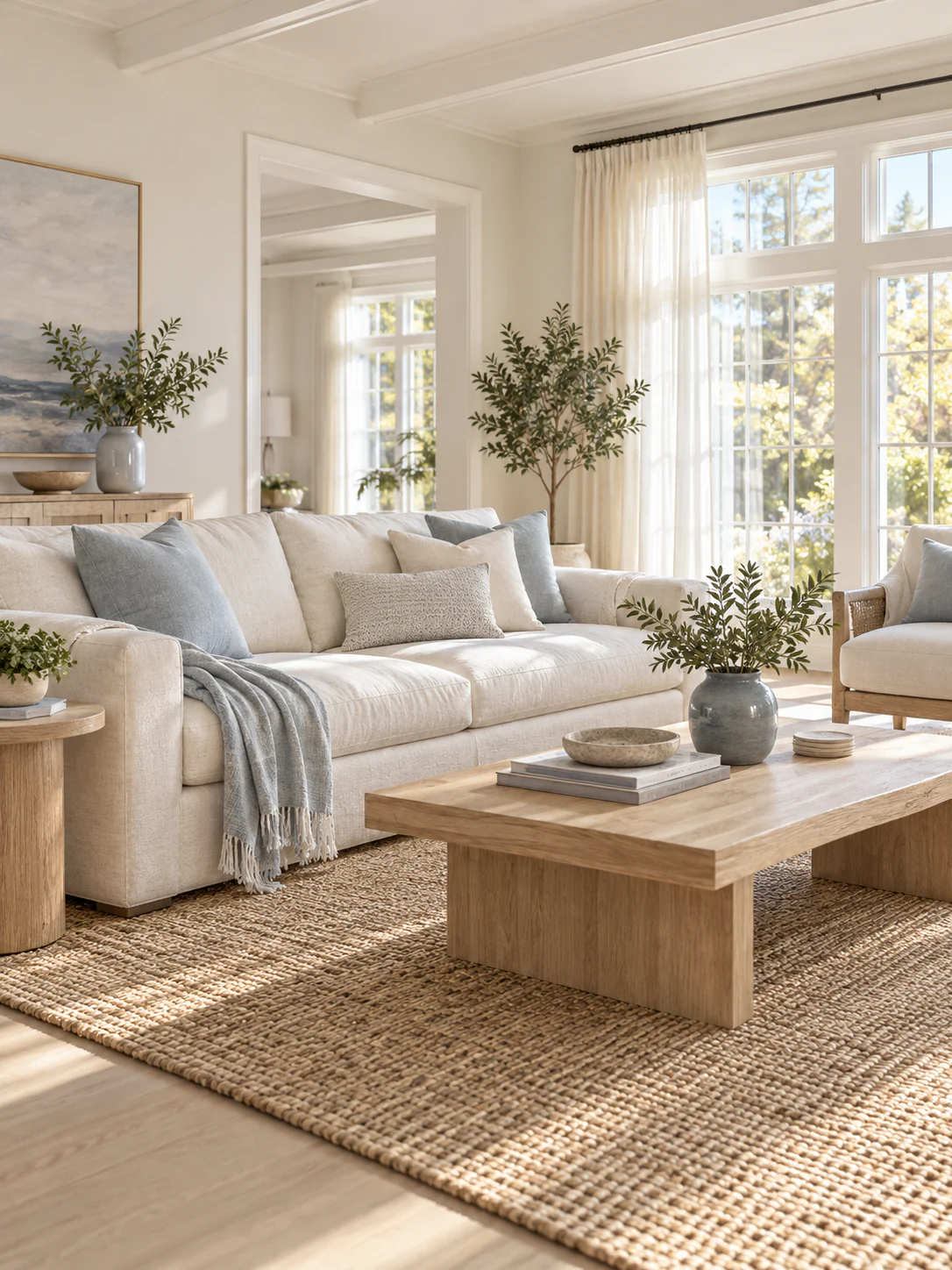
Wondering what your room would look like in a Japandi, modern or coastal style? Try different directions and see how materials, colors and furniture change the feeling of your space.
Explore Interior Styles →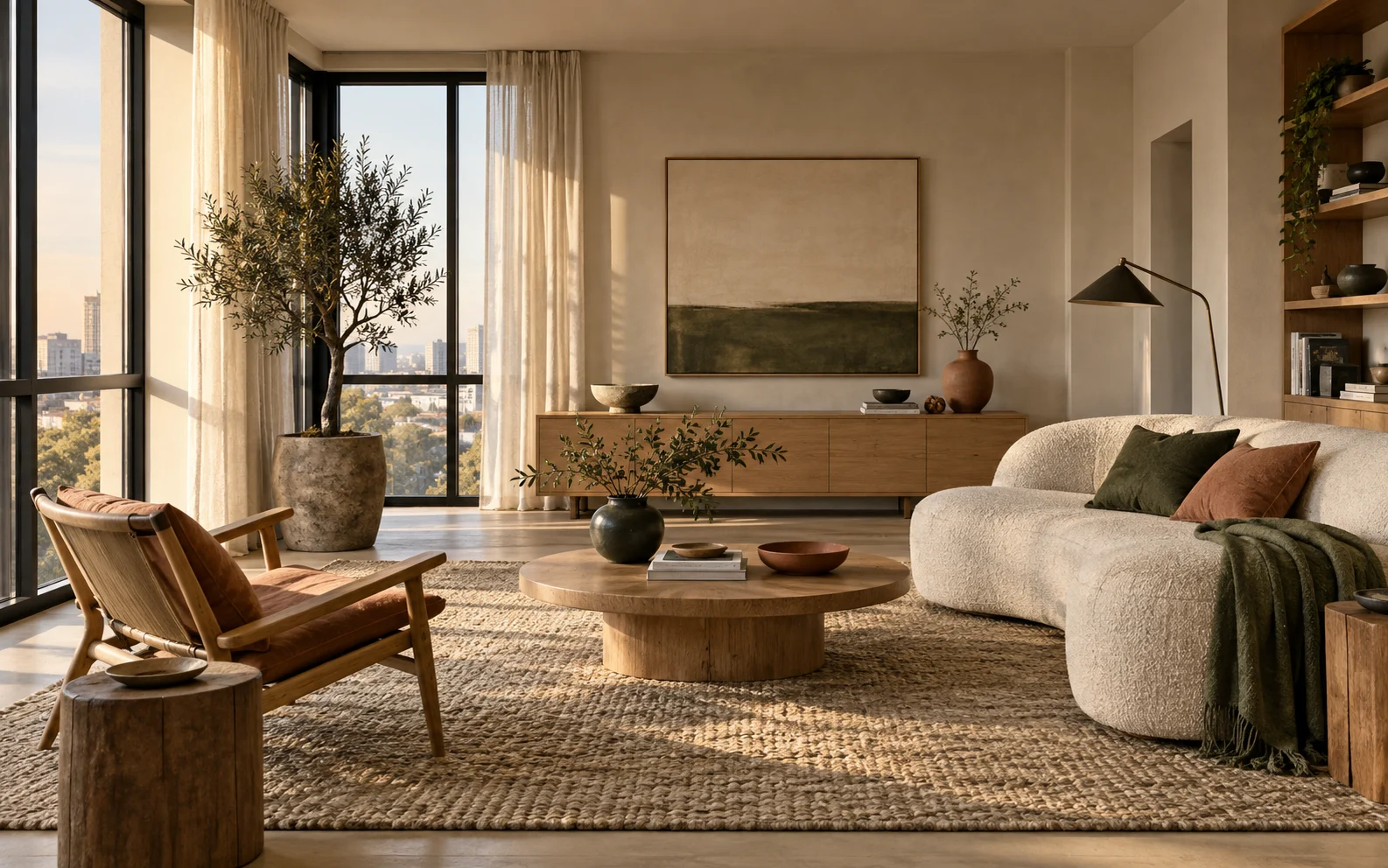
05
Solve the
“Something Is
Missing” Problem
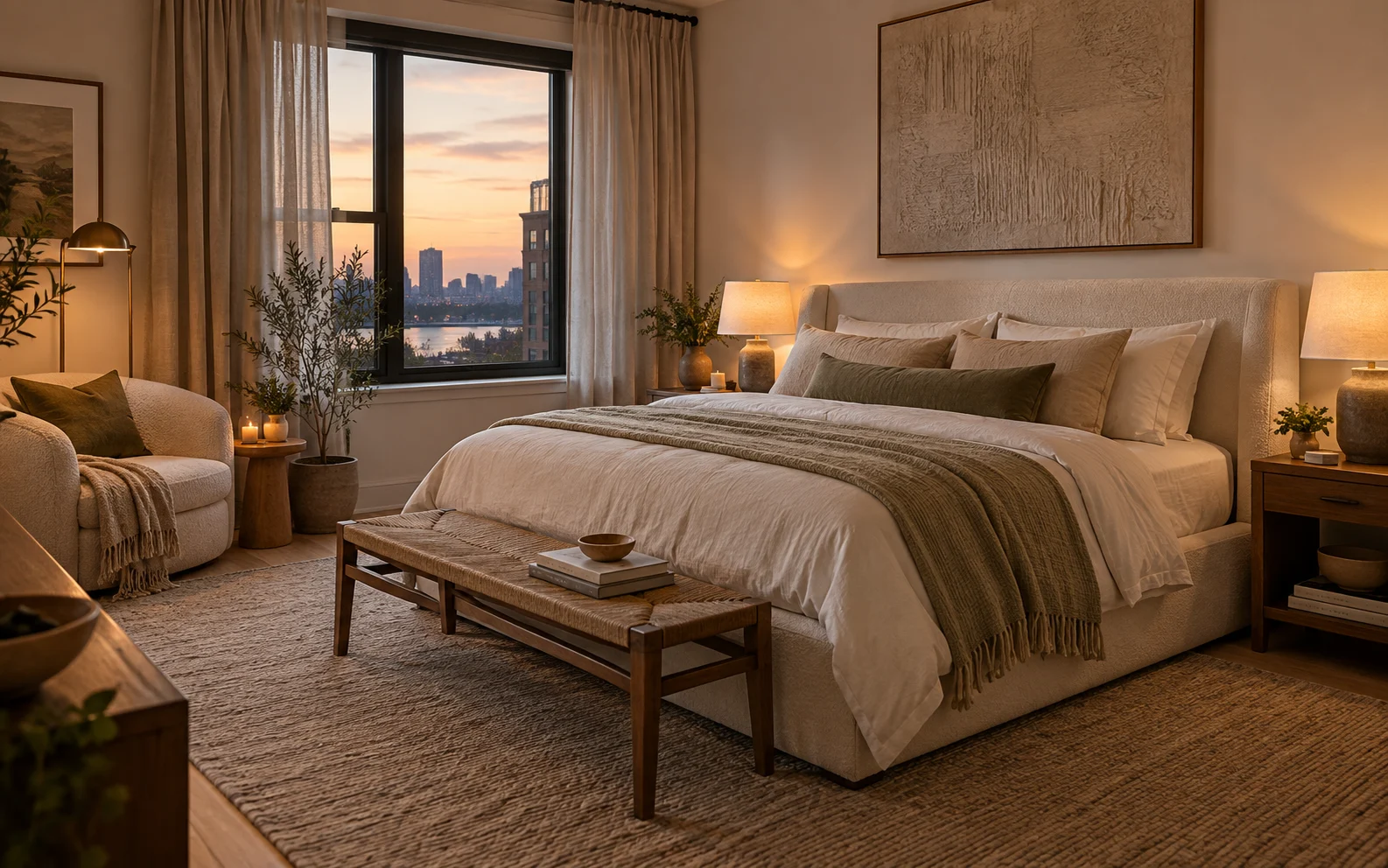
A room can have all the essential furniture and still feel unfinished. Use AI to explore finishing touches—from artwork and textiles to lighting, plants, accent colors, and decorative objects.
Visual changes.
A more restful feel.
06 Room by room
Decorate Any Room
in Your Home
Try new styles for living rooms, bedrooms, dining rooms, kitchens, home offices, entryways, guest rooms, and other spaces.
Start with the room you have and experiment until you find a direction you want to recreate in real life.
Open AI Studio →Next chapter
Take Your Idea Further
with AI Studio
Found a decorating direction you like? Create a matching color palette or mood board, experiment with furniture placement, develop the complete interior design, or turn your idea into a realistic render.
Open AI Studio →07
Questions,
answered.
Can AI decorate my room from a photo?+
Yes. Upload a photo of your room and describe how you want it to look. AI can visualize décor, furniture, colors, materials and lighting directly in the space.
What should I ask an AI room decorator?+
Describe an interior style or request a specific change, such as making the room cozier, adding a new color palette, or decorating an empty wall.
Can I redecorate without replacing my furniture?+
Yes. Keep your key pieces and experiment with rugs, curtains, lighting, artwork, plants, wall colors, and accessories.
Can I try several decorating styles on the same room?+
Yes. Generate several directions from the same room photo and compare them before choosing a style.
Is AI Room Decorator only for complete room makeovers?+
No. Use it for anything from adding a few finishing touches to exploring a completely new decorating direction.