
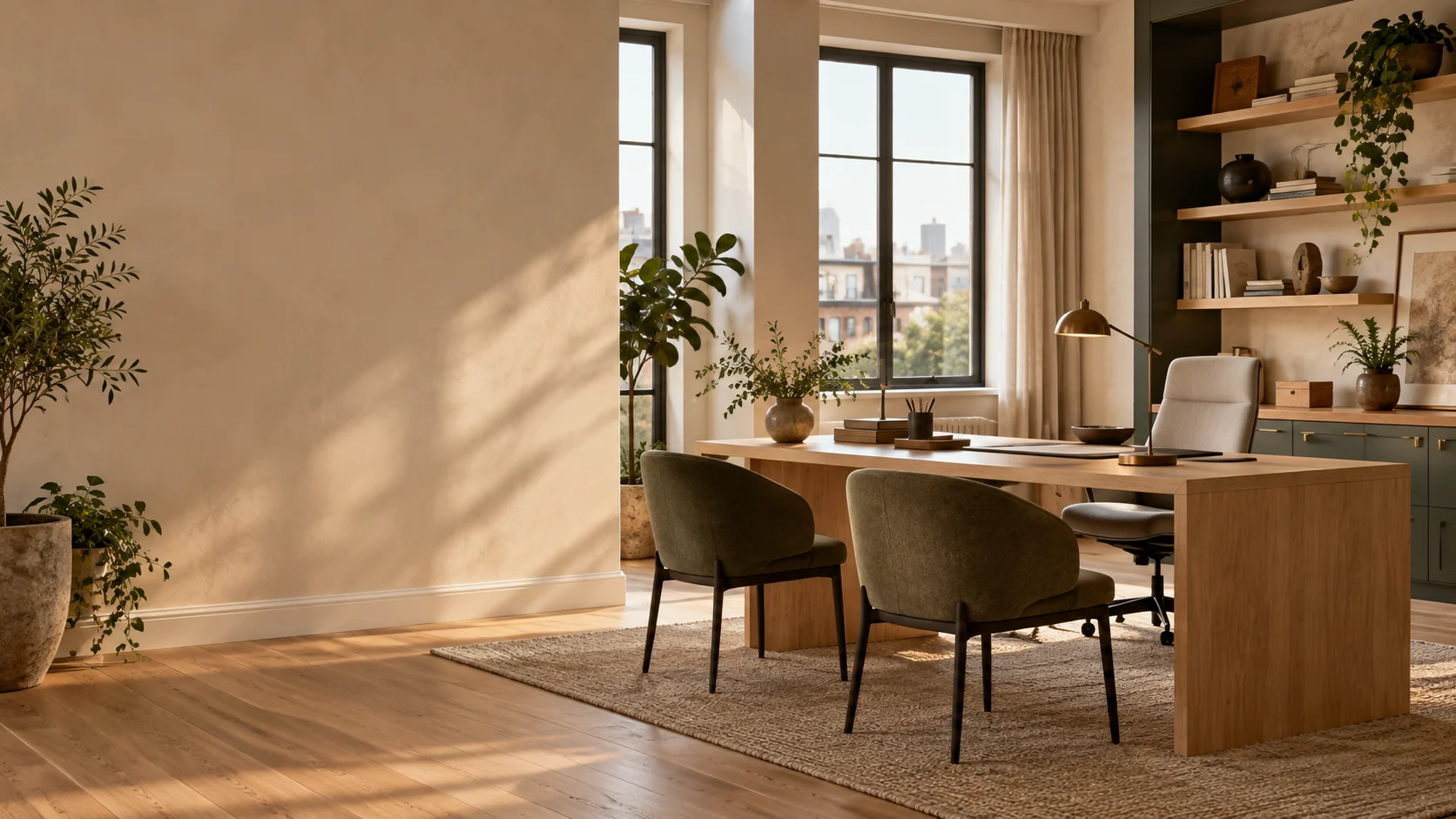
ROOM TO THINK. SPACE TO WORK.
AI Office
Design
Explore a new look for your workspace with Planner 5D's AI office design generator. Upload a photo, describe what you want to change, and compare ideas for desks, storage, lighting, colors, and furniture arrangements.
Design Your OfficeEXPLORE THE POSSIBILITIES
Find a new way
to work.
Not sure whether your office needs a new layout or a few smaller changes? AI office design turns your photo and instructions into visual concepts you can explore before moving furniture or choosing a new look.
Try a different desk position, a warmer color palette, or more storage. Use the same photo to compare alternatives and find a direction you want to develop.
HOW IT WORKS
Your workspace,
in three steps.
Upload your workspace
Open AI Studio and add a clear photo of your workspace. Start with a furnished office, an empty room, or a corner you want to turn into a place to work.
Describe your direction
Tell AI how you use the space and what you want to change. Mention the furniture, colors, materials, or style you have in mind, along with any existing elements you would like to keep.
Compare and refine
Generate an office concept, review the details, and adjust your instructions. Try another version to compare a different arrangement or style.
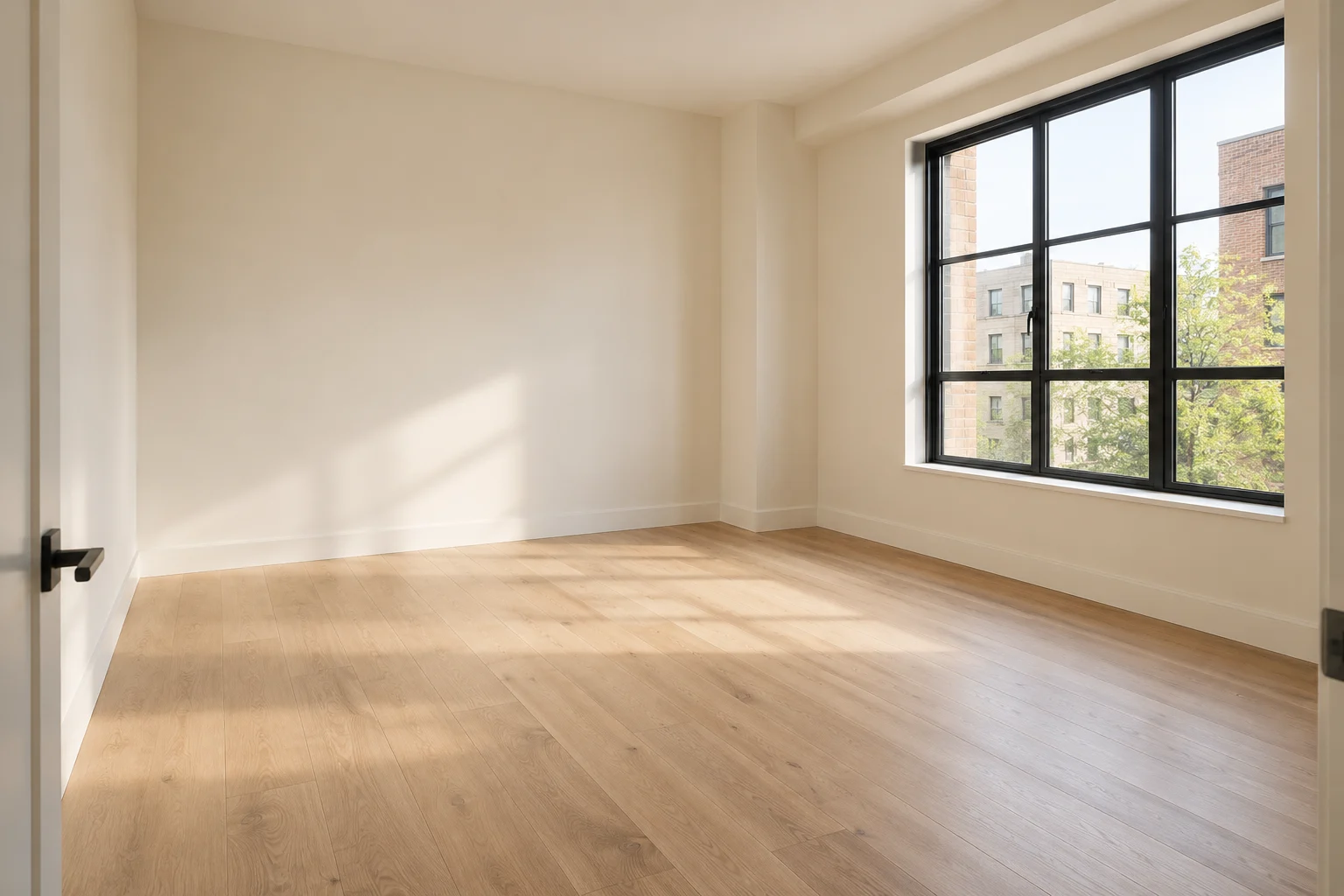 START WITH A ROOM, EVEN AN EMPTY ONE
MAKE IT YOURS
One room.
Many ways
to work.
Explore different ways to update your workspace. Choose a task below, then copy a prompt and adapt it to your office photo.
START WITH A TASK
Make the next
move yours.
Use the same office photo to try a focused change or a whole new direction.
Try a new style
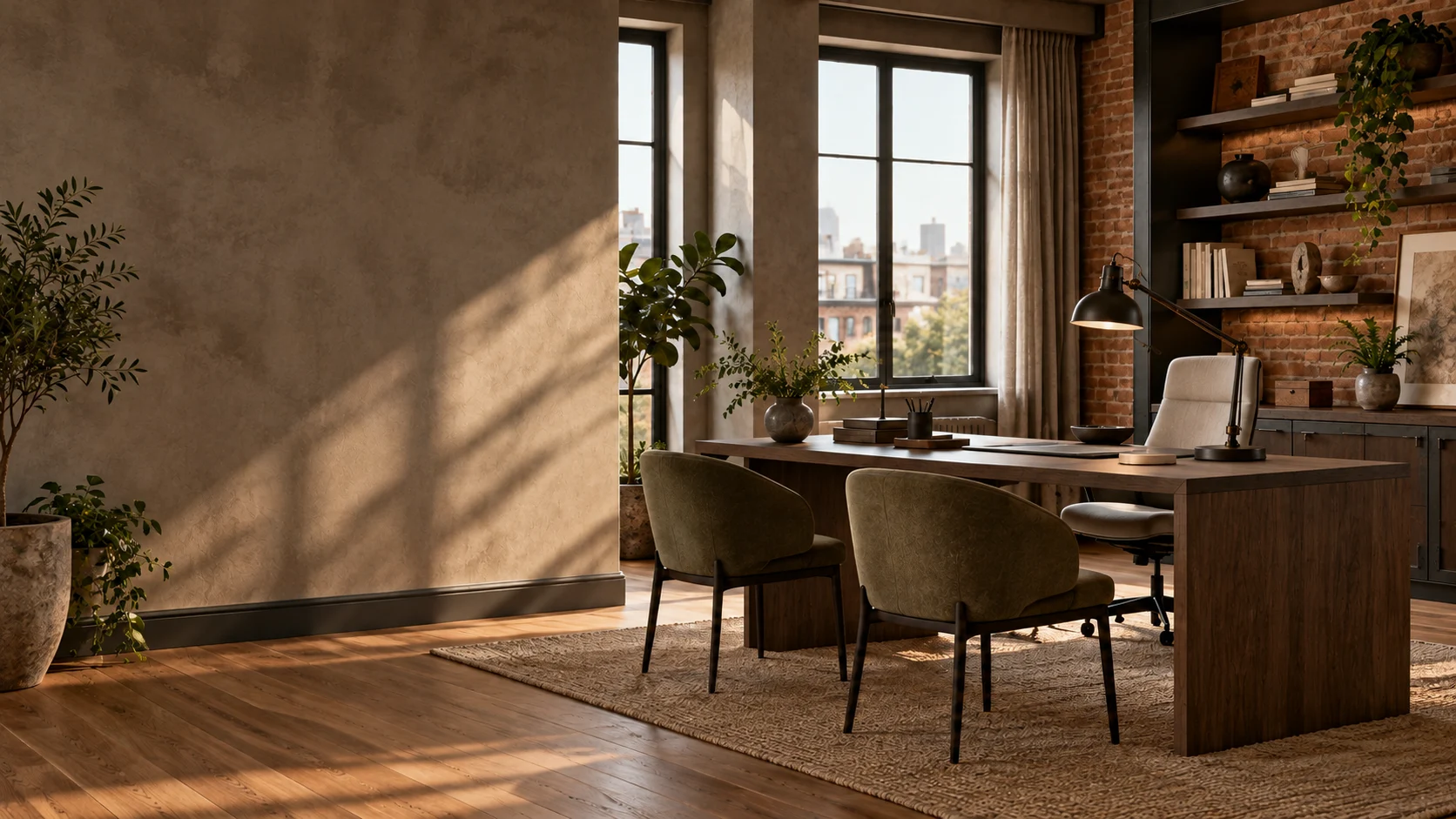
See how your office could look in a modern, Scandinavian, industrial, or minimalist style. Explore different combinations of colors, furniture, finishes, and decor to find a direction you like.
Restyle this office in an industrial style with dark metal furniture, warm wood finishes, and brick wall accents. Replace the existing light fixtures with industrial pendant lights. Keep the furniture arrangement, room dimensions, flooring, ceiling structure, windows, doors, and camera angle unchanged. Do not add or remove furniture.
Rearrange your office
Try new positions for desks, seating, and storage without moving furniture first. Compare arrangements to see how you could organize your workspace differently.
Rotate the desk to face the window, move the bookcase to the side wall, and arrange the two armchairs around the existing small table. Keep the doorway clear. Preserve all furniture pieces, including their sizes, colors, and materials. Keep the walls, flooring, ceiling, windows, doors, lighting, and camera angle unchanged. Do not add, remove, or replace any objects.
Furnish an empty space
Start with a photo of an empty space and explore what to put in it. Describe the furniture and work areas you need, then visualize how they could look together.
Furnish this empty office with two oak desks, two muted green office chairs, one shared storage cabinet, and a seating area with two armchairs and a small table. Keep windows and doorways unobstructed. Preserve the room dimensions, walls, flooring, ceiling, windows, doors, existing light fixtures, and camera angle. Do not alter architectural elements or surface finishes.
Change one detail
See what a new desk, different chair, or built-in shelving could add to your office. Focus your request on a specific change rather than a complete room makeover.
Replace the dark desk with a light oak one of the same size in the same position. Add two floating oak shelves on the wall directly above it. Keep all other furniture, objects, colors, materials, lighting, and architectural elements unchanged. Preserve the room layout and camera angle. Make no changes beyond the desk replacement and the two new shelves.
KEEP CREATING
Take your office idea
further with AI Studio.
Develop your chosen direction in Planner 5D AI Studio. Create a mood board or color palette, try targeted furniture and material edits, and refine your interior visuals on the same design canvas.
Open AI StudioFAQ
Questions,
answered.
Can I upload an office photo and change its design?
Yes. Upload a photo in AI Studio and describe the changes you want. You can explore new furniture, colors, materials, lighting, and arrangement ideas based on your workspace.
Can I design a home office with AI?
Yes. You can explore ideas for a dedicated home office or a work area within another room. Describe the desk setup, storage, and style you need to make the concept more specific.
Can I keep furniture I already have?
You can ask AI to retain specific pieces and focus on other changes. Review the result carefully: generated images may still alter objects or details you asked to preserve.
Can I use the result as a final office plan?
The photo-based workflow described here creates visual concepts. Use a measured plan to check furniture sizes and circulation before implementing an arrangement. Commercial projects also need appropriate professional review.
Does AI Studio use credits?
AI Studio uses credits for image generation, with the cost depending on the model and settings. Check your available credits in AI Studio and the current Planner 5D plans before generating.
YOUR NEXT WORKSPACE STARTS HERE
Make room for
a new idea.
Start with your workspace photo and explore the changes you have in mind.
Design Your Office