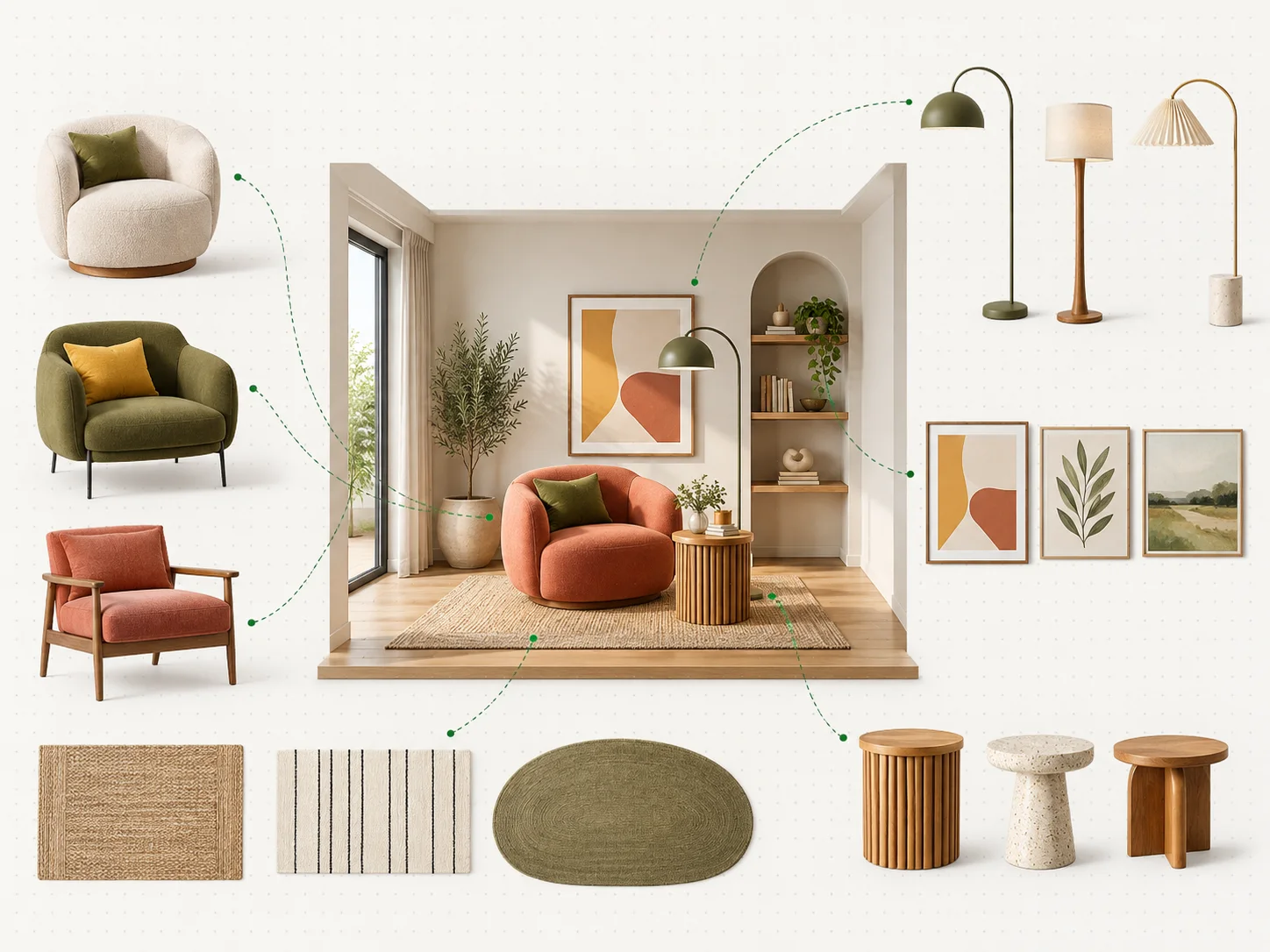
Upload a photo of your room and see new colors, materials and furniture in your own space. Planner 5D AI Studio turns it into a design visualization.
Your visualization
Floor plan - 3D view
Your visualization will appear here
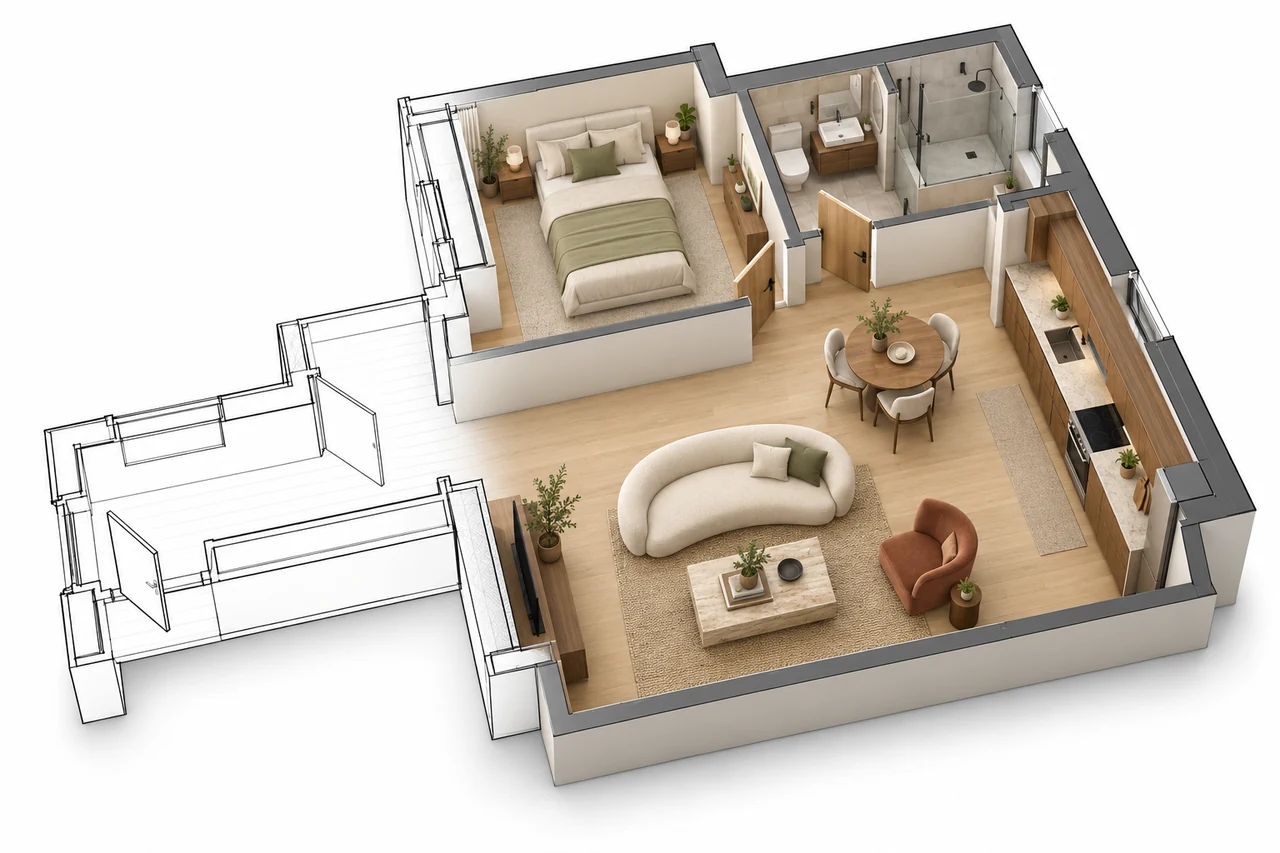
Upload a clear 2D floor plan to create a furnished top-down view.
Preview your floor plan here, then continue in the Planner 5D floor plan generator to explore your home renovation ideas.
SEE THE IDEA BEFORE THE WORK
What Is AI for Home Renovation?
AI home renovation lets you preview a proposed remodel on a photograph of your room before work begins. It supports the decisions that come before ordering materials or booking trades. The tool does not independently design or build a house; its role is to make a proposed renovation easier to discuss and evaluate.
A home renovation AI tool supports interior design by putting proposed styles, colors and furnishings into the context of your existing interior. Rather than reviewing separate samples in isolation, examine how a replacement floor relates to the cabinets, trim and larger pieces you intend to retain. Use that visual to identify a coordinated direction and explain your priorities to the people preparing the work.
Home improvement covers a wider range of projects than renovation, from smaller updates to more involved work. AI tools support that broader process by making proposed changes easier to assess. Below, follow the renovation workflow, review eligible changes and costs, and learn how to turn a preferred concept into a useful brief.
ONE PHOTO. FOUR STEPS.
How AI Home Design Works
An AI home renovation app follows four steps, from a room photograph to a remodel concept. Your instructions guide new finishes and furnishings while the workflow aims to retain existing walls, windows and doors. The underlying artificial intelligence uses machine learning and generative models to produce the visual proposal.
01Record the existing room
Begin with an image upload that records the room as it stands today. Photograph the full space straight on with even lighting. The room can be empty, partly furnished or occupied; visible boundaries give the proposal a clearer starting point.
02Define the proposed work
Set the scope of the visual change. Choose Modern, Japandi or Industrial, or specify a finish and the elements to retain. “Deep green cabinet fronts, existing kitchen layout” gives a clearer renovation instruction than a general request to update everything.
03Review the remodel concept
Review the proposed remodel alongside the starting photograph. Check whether the room’s openings and boundaries remain consistent, then assess the finishes. Reuse the same source photo for alternative styles so each proposal starts from the same existing conditions.
04Resolve individual choices
Take the preferred proposal into AI Studio for more focused edits. Specify an object to add, remove or replace, or revisit one finish. Keep notes on the choices you approve so the final concept can inform a written renovation scope.
Renovation involves a planning stage and includes a design stage; the preview supports the design stage, helping the rest of your planning start from a clear direction.
Specific requests give better results:
Vague request
Specific request
Make it modern
Modern living room, light grey walls, oak flooring, black metal lamps
Update the kitchen
Keep the layout, paint the cabinets deep green, white stone-look countertop
Better bathroom
Replace the beige tiles with large light grey tiles, keep the bathtub and the window
EXPLORE THE VISIBLE CHANGES
What You Can Change in Your Home with AI
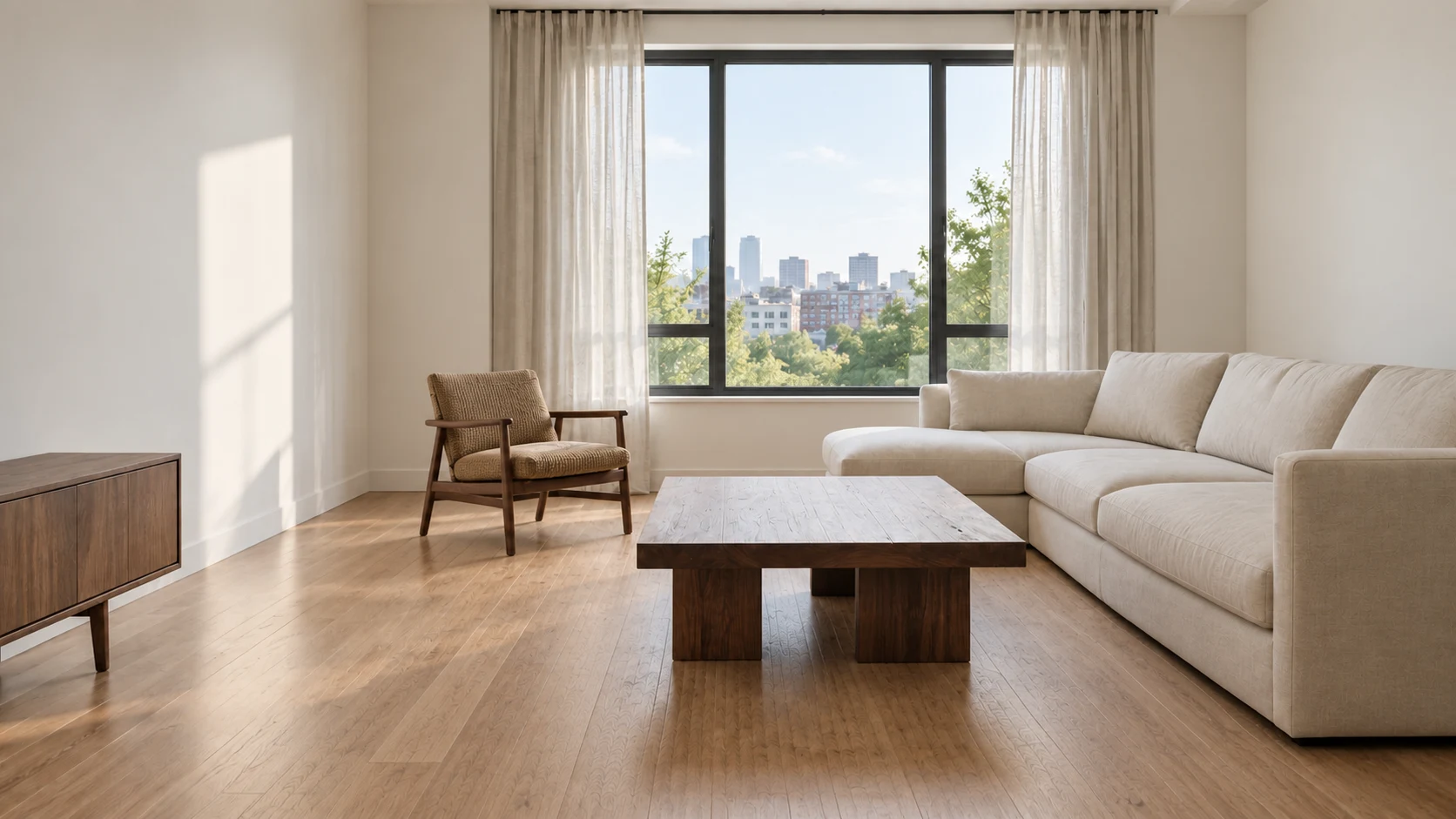
An AI app for home renovation helps assess the visible scope of a remodel: surface treatments, materials, furnishings and decor. Before and after views of the same photograph make it easier to identify what each proposal changes.
Before
AI concept
Explore a coordinated palette in your own space.
01 / SURFACES
Colors, materials and finishes
Use the renovation preview to narrow material selection for walls, floors and countertops before ordering samples. Assess each proposed finish against fixed features such as window frames or existing cabinetry. Color theory gives interior design a useful starting point: limit the main palette and reserve one color for an accent. Confirm the shortlist with physical samples viewed in the room’s actual light.
Try furniture and objects together before choosing.
02 / SPACE PLANNING
Furniture and objects
Adding, replacing or repositioning furniture in the photograph supports early space planning for the remodeled room. To remove objects from photo AI concepts, identify the unwanted item explicitly, such as the side table beside the sofa. Use the resulting view to discuss the proposed arrangement, then verify furniture dimensions and circulation space against actual room measurements before purchasing anything.
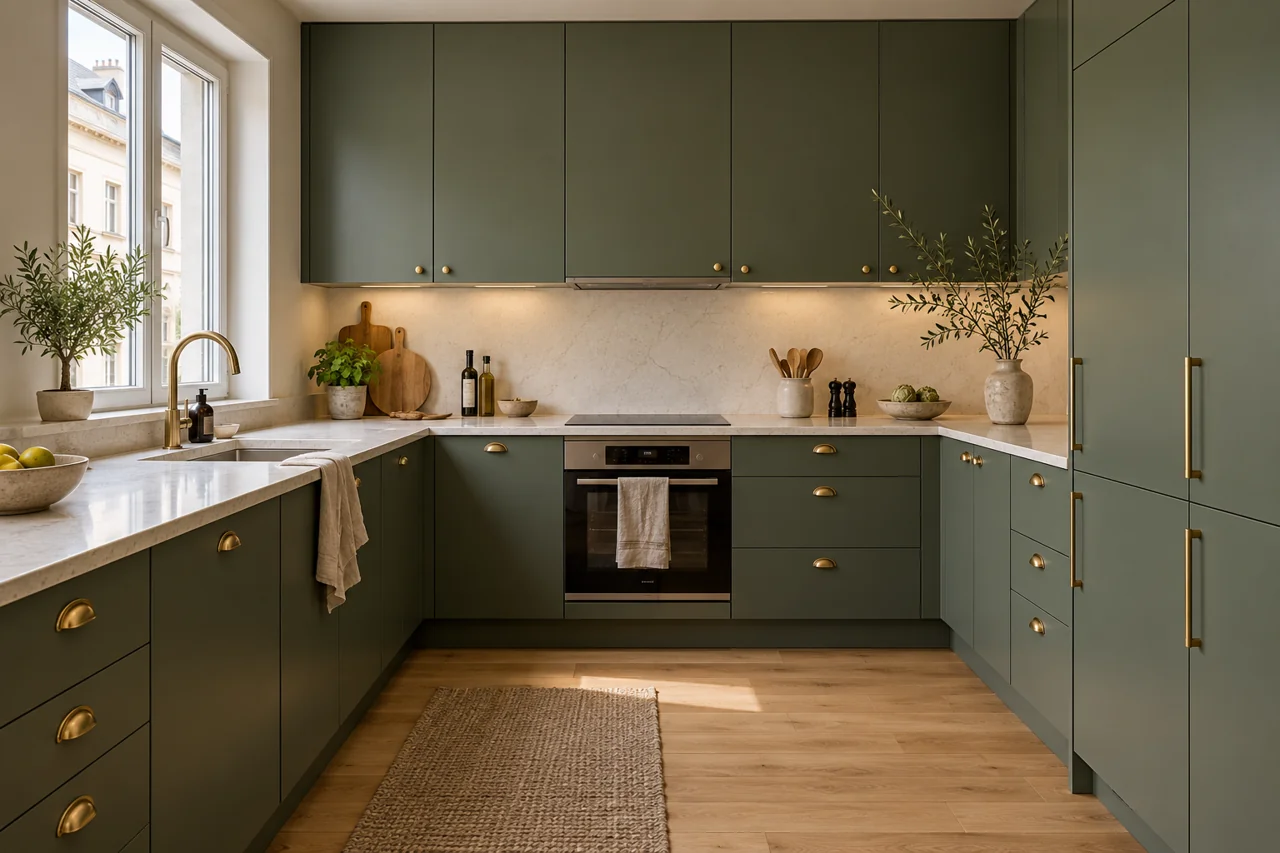
AI concept · Cabinet color, countertops and flooring in one view.
03 / FINISHES THAT WORK TOGETHER
Kitchens and bathrooms
An AI kitchen remodel concept helps assess cabinet fronts, worktop finishes and flooring as one scheme. An AI bathroom remodel concept brings tile, vanity and paint choices into the same view. Both kitchens and bathrooms are targets for renovation, with kitchen renovation representing one type of project. These images explore the intended appearance; they do not relocate plumbing, sinks or appliances.
PLAN YOUR NEXT STEP
Free and Paid Plans
Is there an AI home renovation app free to use? Planner 5D offers a $0 Free plan without a time limit, covering unlimited projects, web and mobile 2D/3D design, and half the furniture catalog. Renovation image generation in AI Studio uses credits supplied with Premium and Professional. This table explains the tool’s cost structure.
Plan
Price
What is included
AI Studio credits
Free
$0, no time limit
Unlimited projects; 2D and 3D design on web and mobile; 50% of the furniture catalog
Not part of the Free plan
Premium
$19.99 per month or $59.99 per year
Everything in Free; the complete catalog of 10,000+ furniture items; AI floor plan recognition; standard renders; Budget Widget to plan and track project costs
A realistic AI renovation image is a concept, not a construction plan. Use it to choose a direction, and work with professionals for everything that is built, checking what your room and local requirements actually allow.
It does not produce permit drawings or construction plans.
It cannot tell you which walls are load-bearing or whether a wall can be removed.
It does not replace licensed electrical, plumbing or gas work.
It does not give a contractor’s quote; a generated image shows no real prices.
There are limits in AI render accuracy: colors, proportions and materials can differ from real products. Check samples and measurements before you buy.
In the AI vs architect question, the answer is both: AI covers ideas and previews, while an architect or a licensed contractor handles drawings, structure and permits. Bring your preferred image to that conversation as a reference.
Keep a list of the decisions the image leaves open. A wall finish, a cabinet color or a new light fixture still needs a real specification. Ask the professional reviewing your room to confirm the details that affect installation, access and the order of work before you approve a final scope.
TURN A DIRECTION INTO A BRIEF
From AI Render to Contractor Brief
Good renovation budget planning starts with a clear picture of what you want built. Turn an AI result into a brief that a contractor can review and price for your room.
01Save the comparison
Save the original photo and the AI result you like most, side by side, so each contractor can see both the starting point and your preferred direction.
02List the finishes
List every material, color and finish shown in the result, one line per item. Mark any choices you still need to confirm with real samples.
03Add measurements and budget
Add room measurements and your budget limit. In Planner 5D, the Budget Widget in the Premium plan helps you plan and track project costs.
04Ask for itemized quotes
Send the pack to two or three contractors and ask each for an itemized quote. Use the same brief to make their responses easier to compare.
Keep the image and written list together when you share the brief. If a contractor suggests a different material, update the list so every quote refers to the same choices. Treat the AI image as a conversation starter, and confirm product names, quantities and installation details in the final scope of work.
Use a home renovation AI app to establish the appearance you want before work starts. Planner 5D AI Studio can illustrate proposed finishes and furnishings, giving a contractor a visual reference. Building work, required permits and site decisions still belong with qualified professionals who assess the property.
How does AI home design work?
+
The process combines an existing room photograph with your description or selected style. AI generates a proposed interior around that input, aiming to retain the room’s layout. Review the proposal against the source image, then refine individual choices before using it to guide your renovation planning.
Is AI home renovation software free to use?
+
Planner 5D’s $0 Free plan has no time limit and supports unlimited projects with access to 50% of the furniture catalog. Producing renovation concepts in AI Studio uses a separate credit allowance. Premium and Professional include those credits; the plan comparison above lists the amounts.
How accurate are AI renovation renders?
+
Treat the image as a proposal for appearance. Although the restyling workflow aims to retain the room’s structure, generated proportions, materials and colors may differ from the real space or available products. Confirm dimensions on site and inspect physical samples before approving purchases or installation.
Can I try more than one style on the same room?
+
You can reuse a single room photograph for several proposals, including Modern, Japandi and Industrial. Keep the source image consistent while changing the style or instructions. Reviewing those alternatives together helps you select the finishes and details to include in your renovation brief.

 Before
 AI concept